Modeling & Materials

Working and Experimenting with Formstorming and 3D Models

George Fish


Module 1


In this module I experimented and honed new skills within Cinema4D that I gained and experimented with different techniques. Below are 25 images of my creative process to document my journey through these challenges. I really enjoyed using this time to really experiment freely and try to explore as much as I could, although I stuck with pretty simple objects to start with I defintely now feel more familiar with this software and feel confident I can use it to better use in the future.

Design Challenge 1
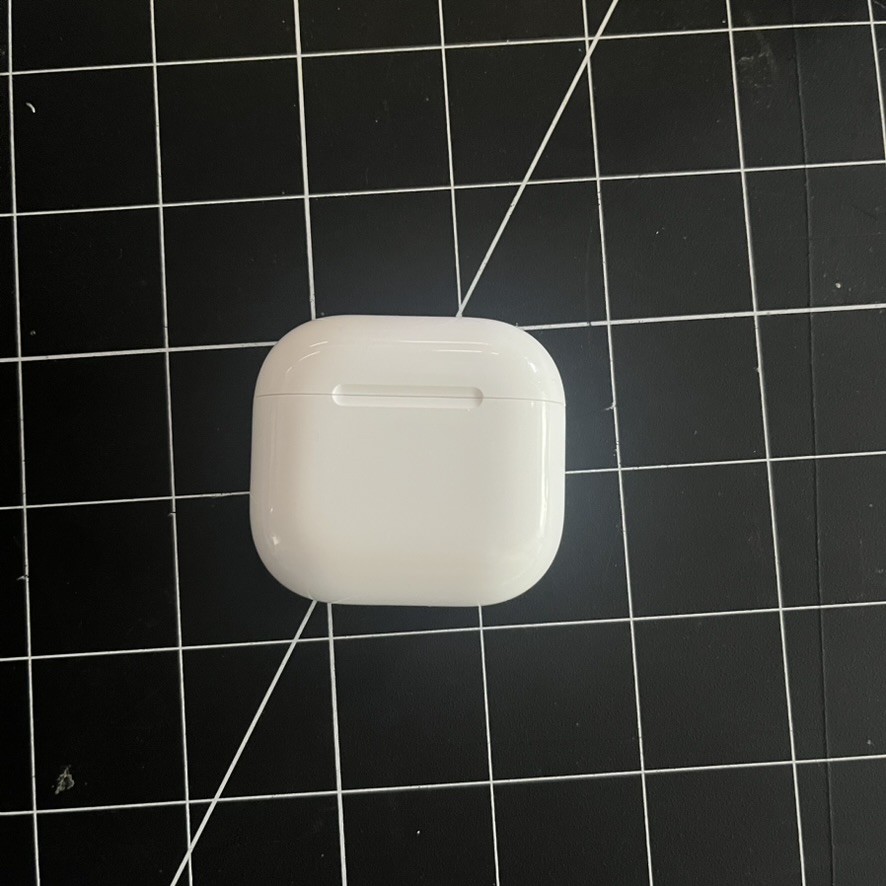
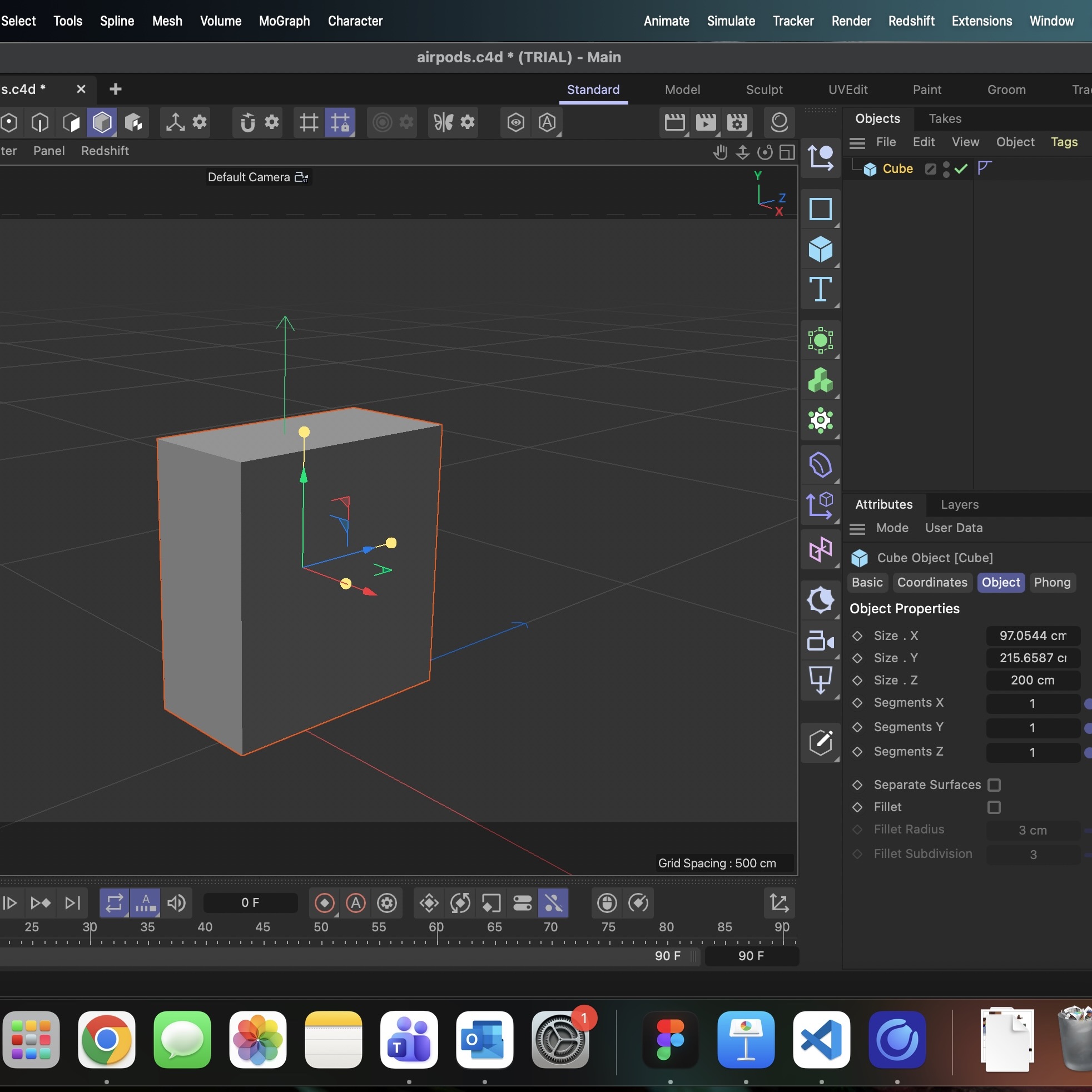
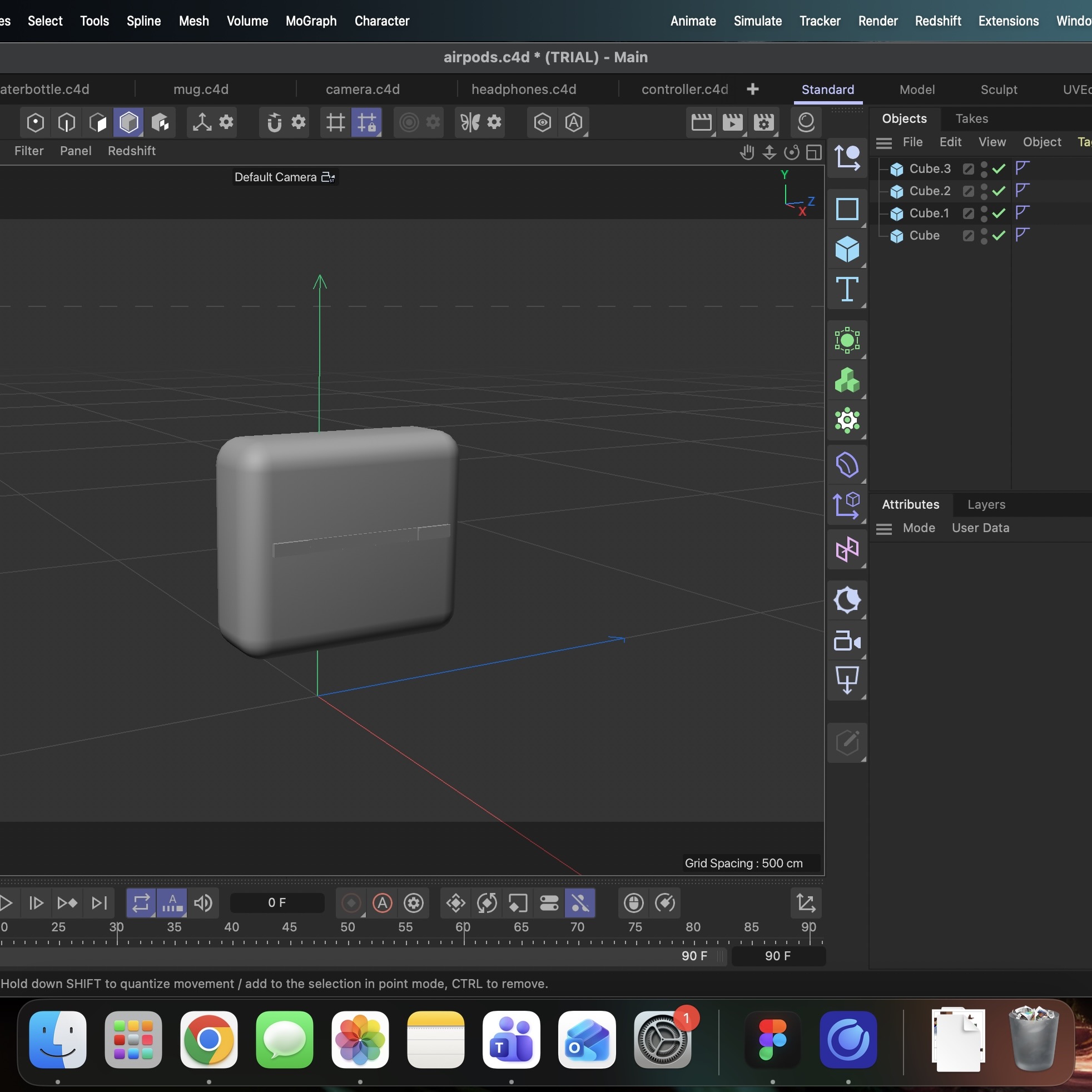
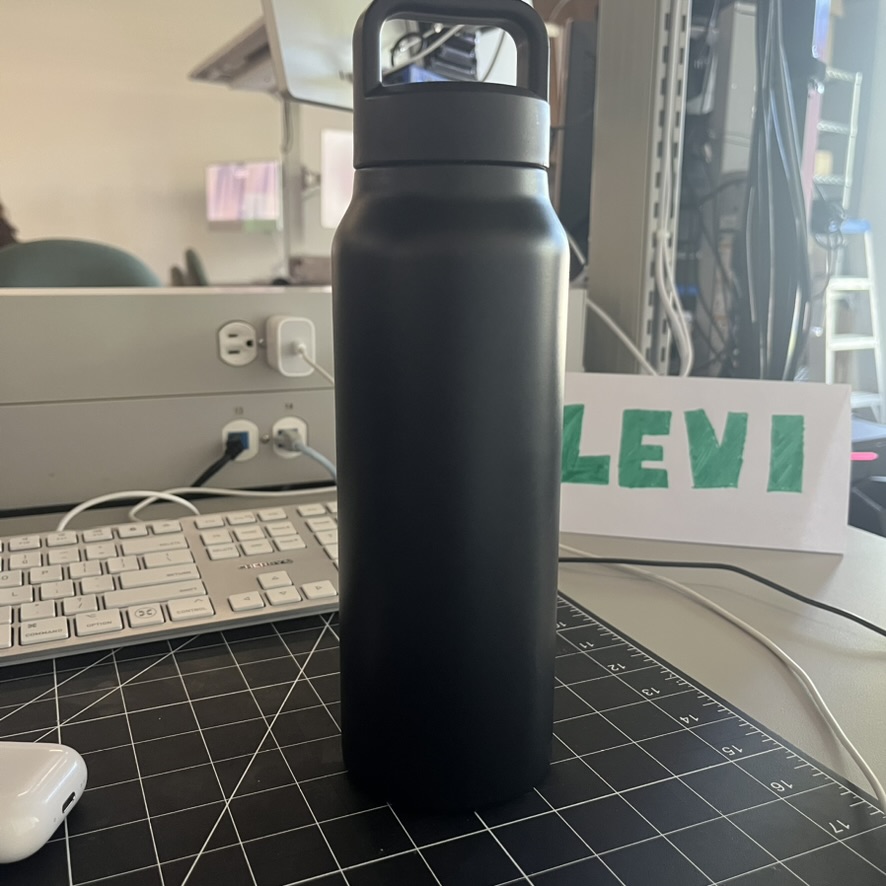
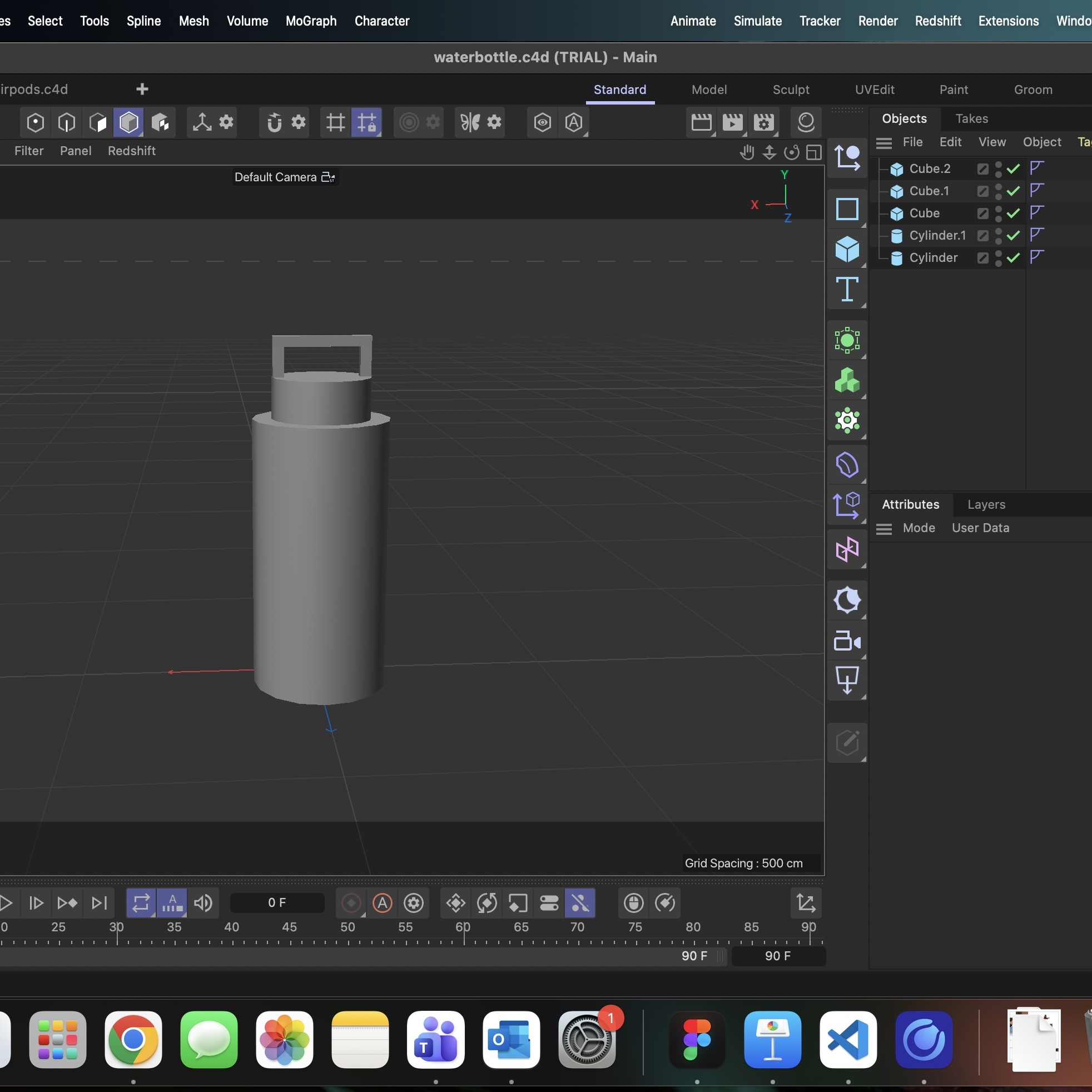
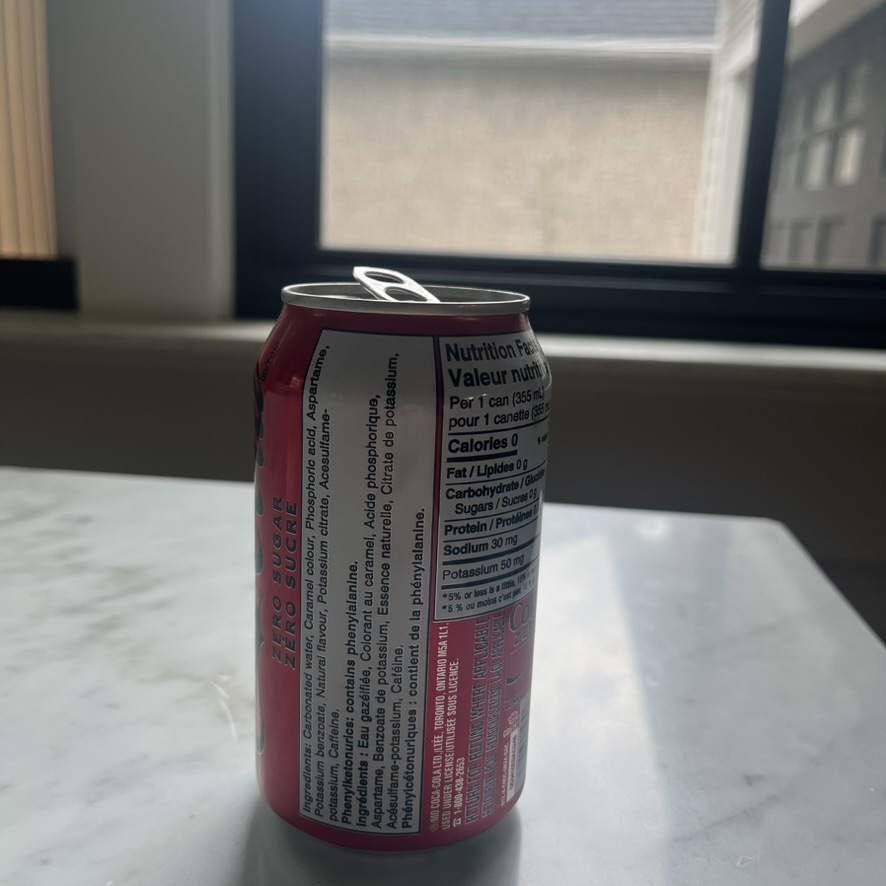
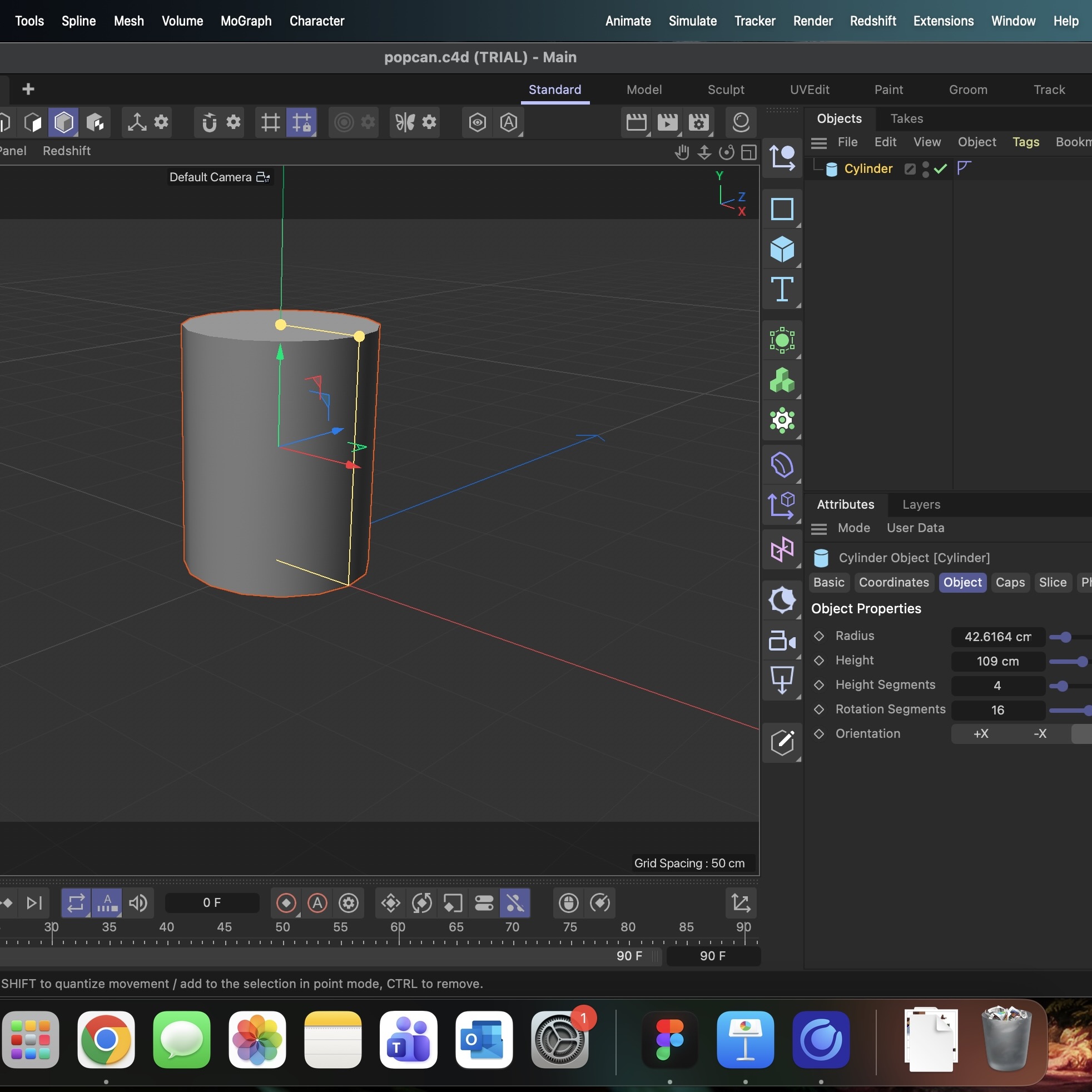
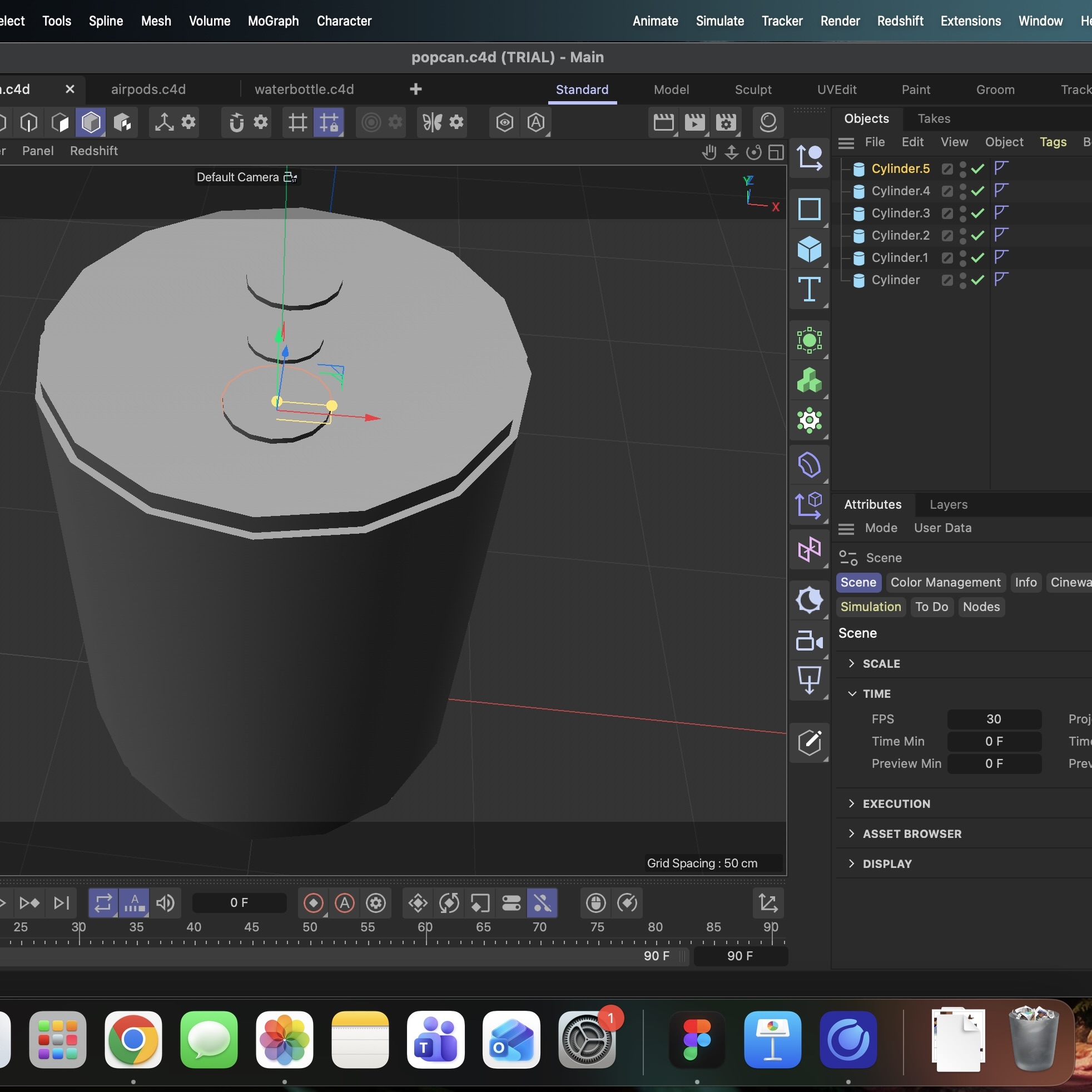
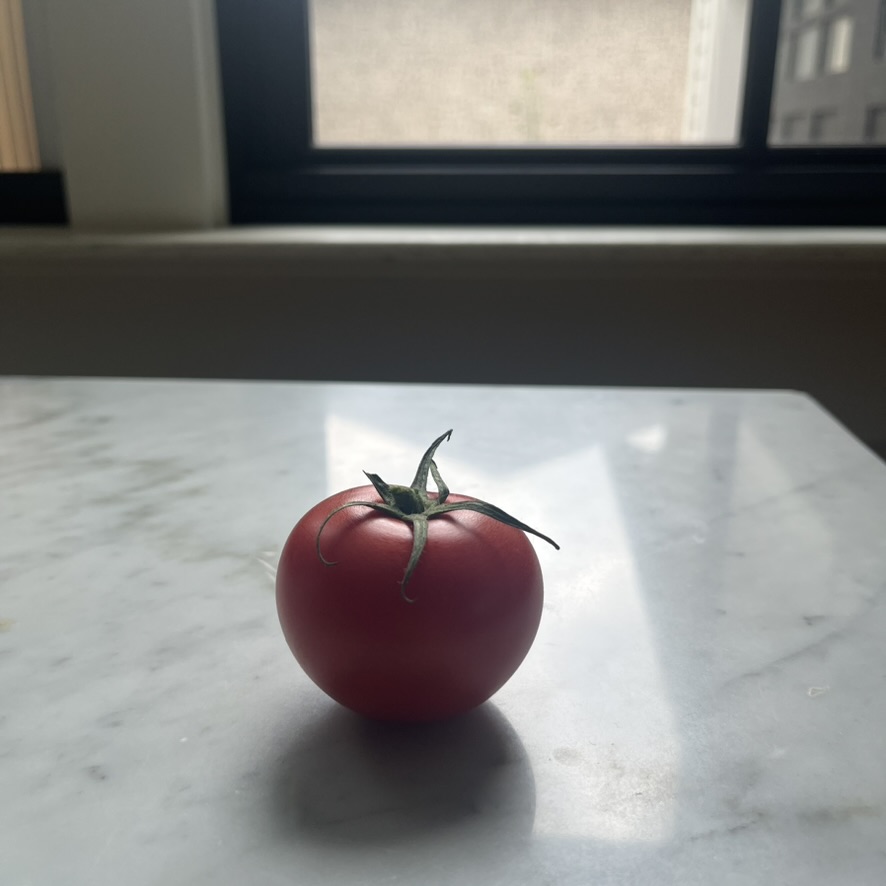
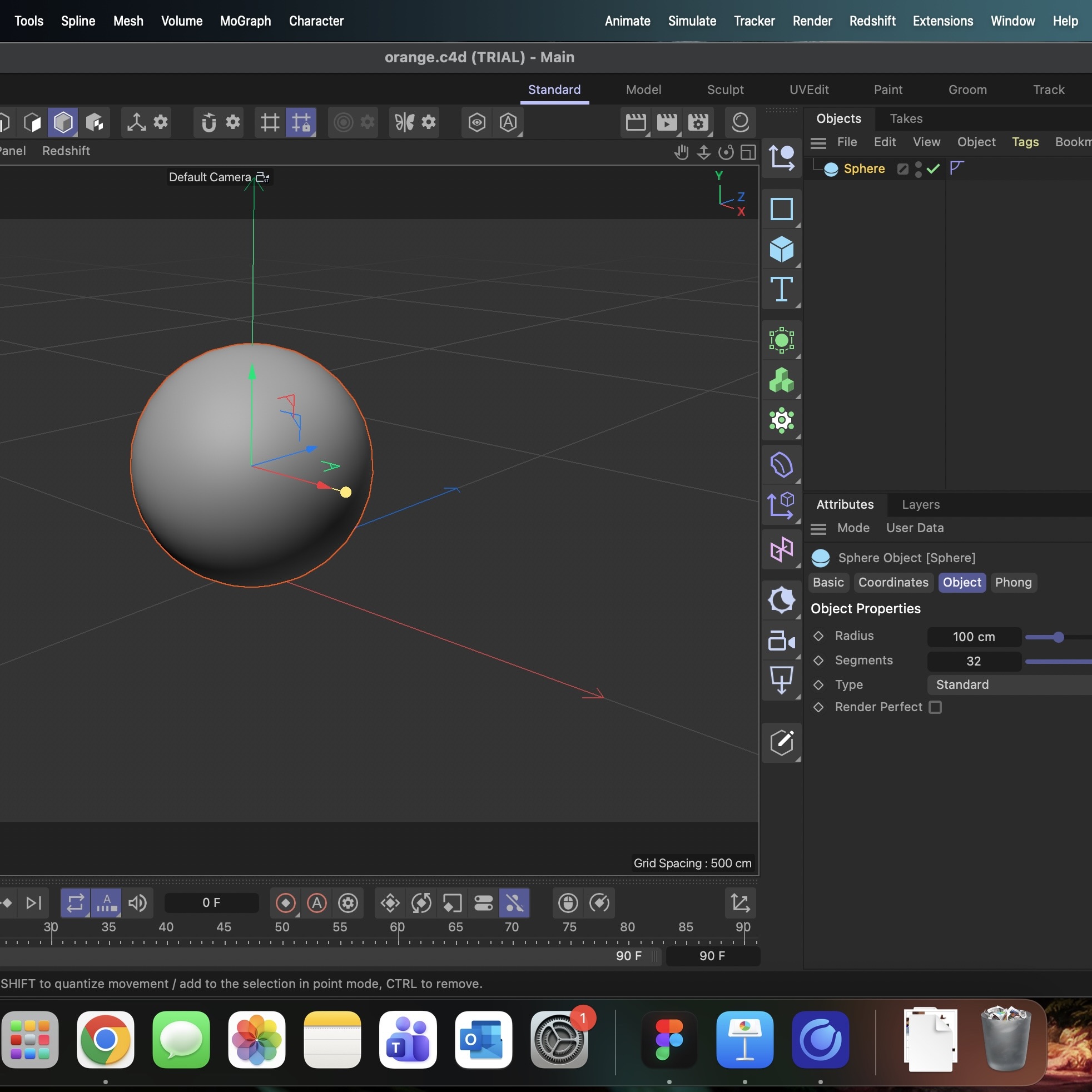
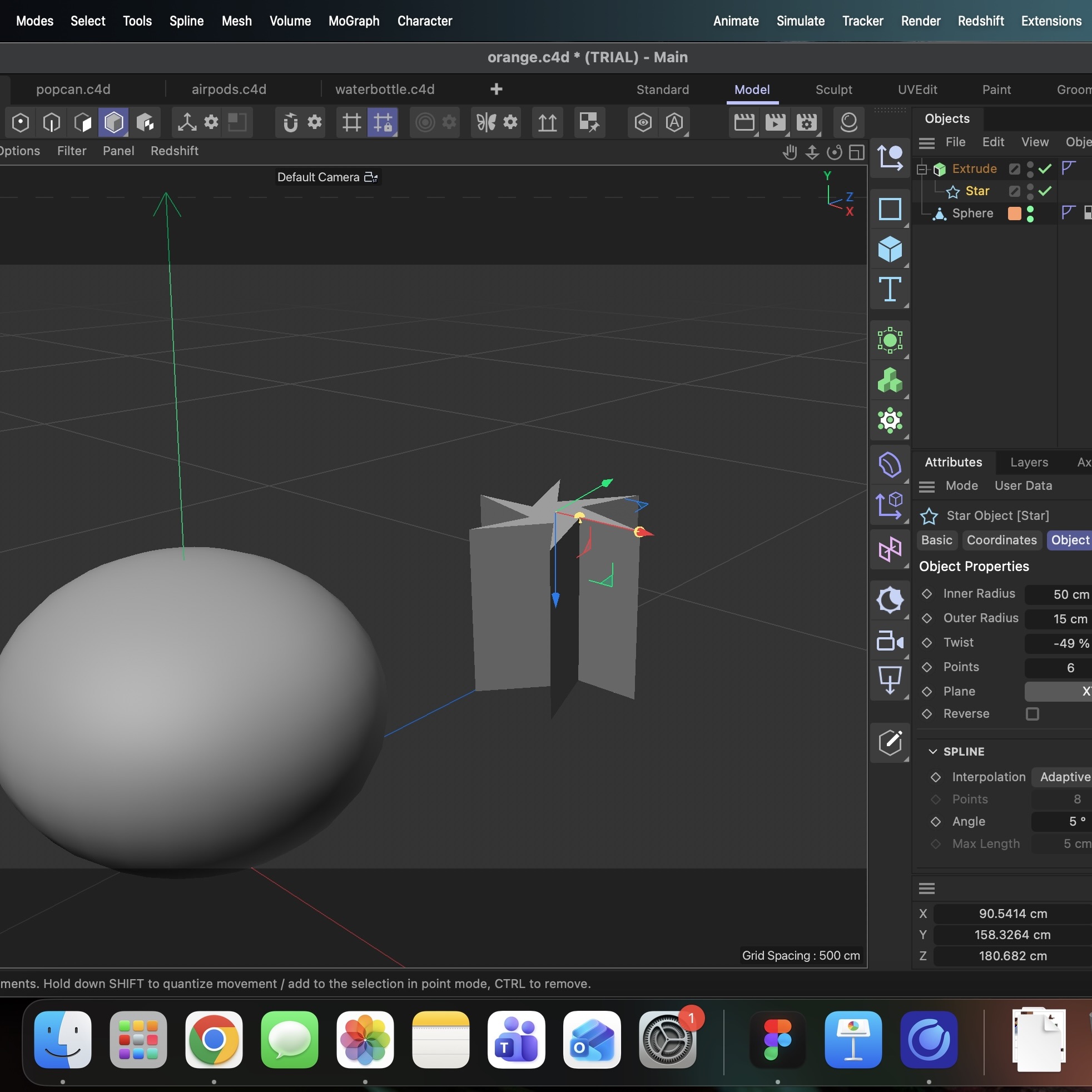
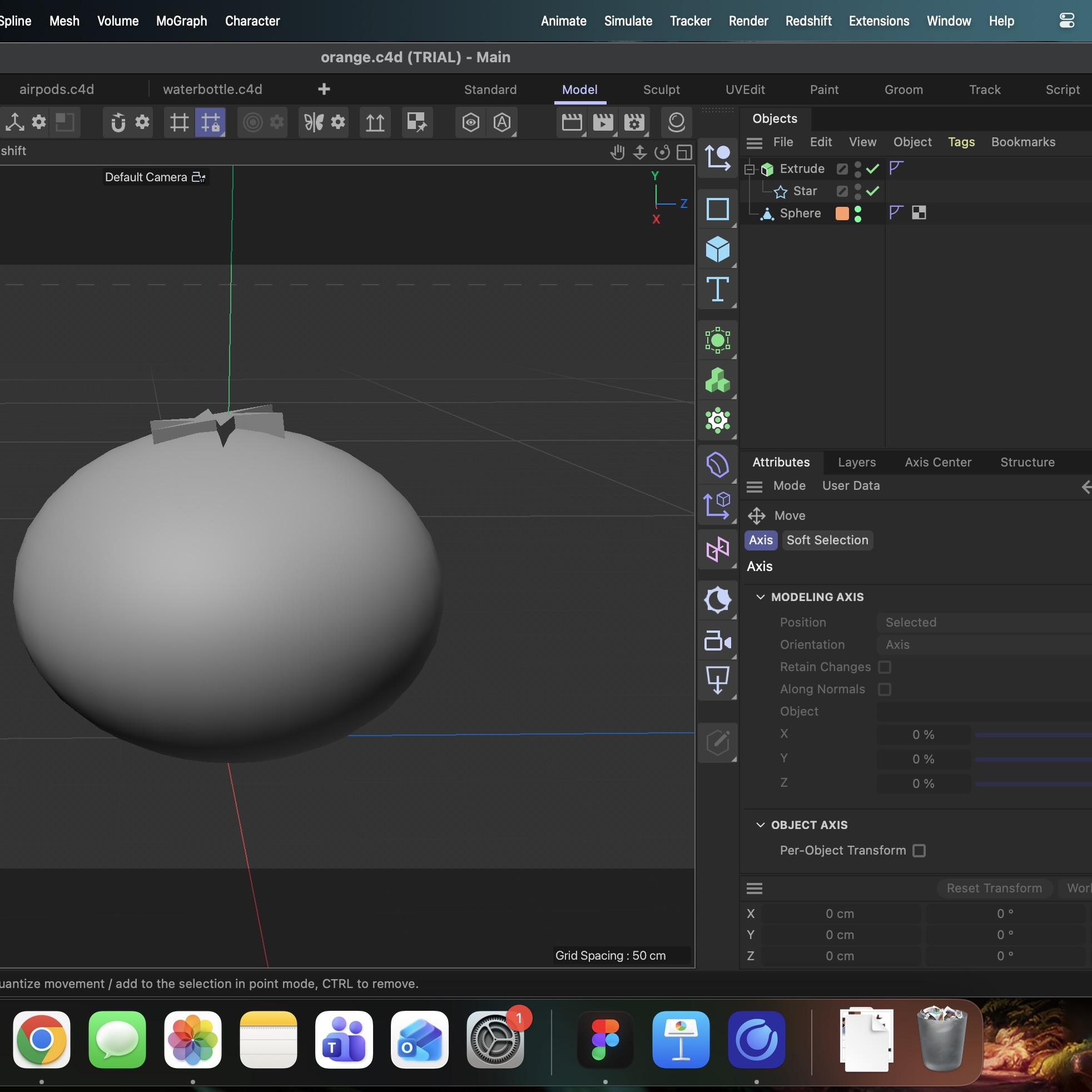
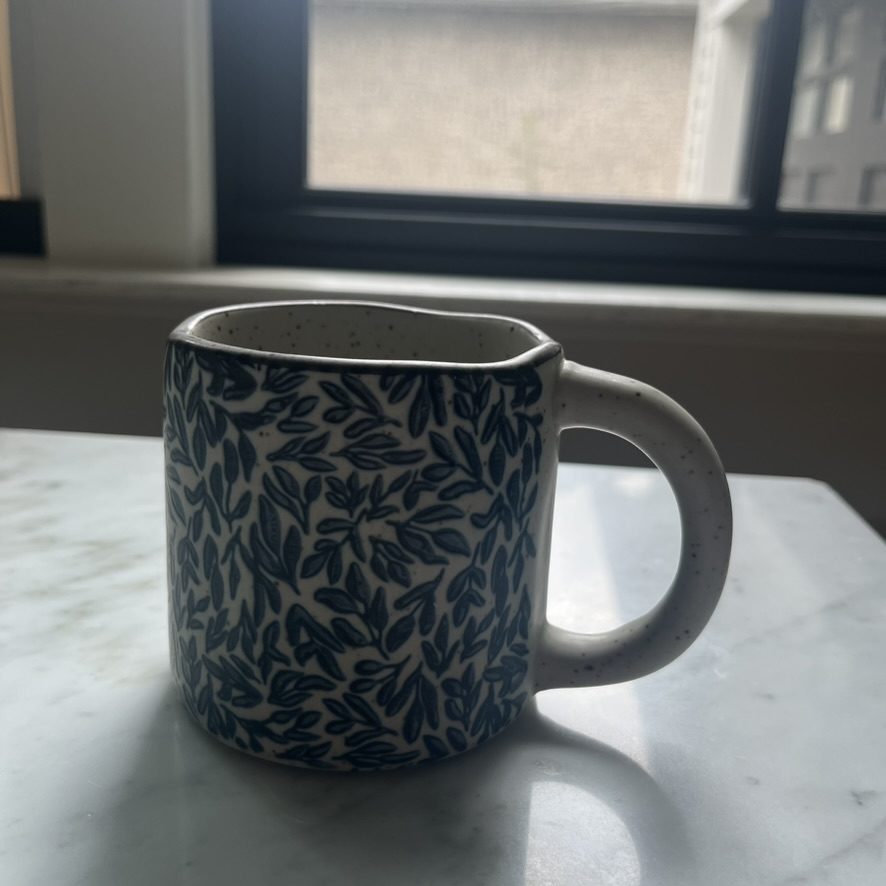
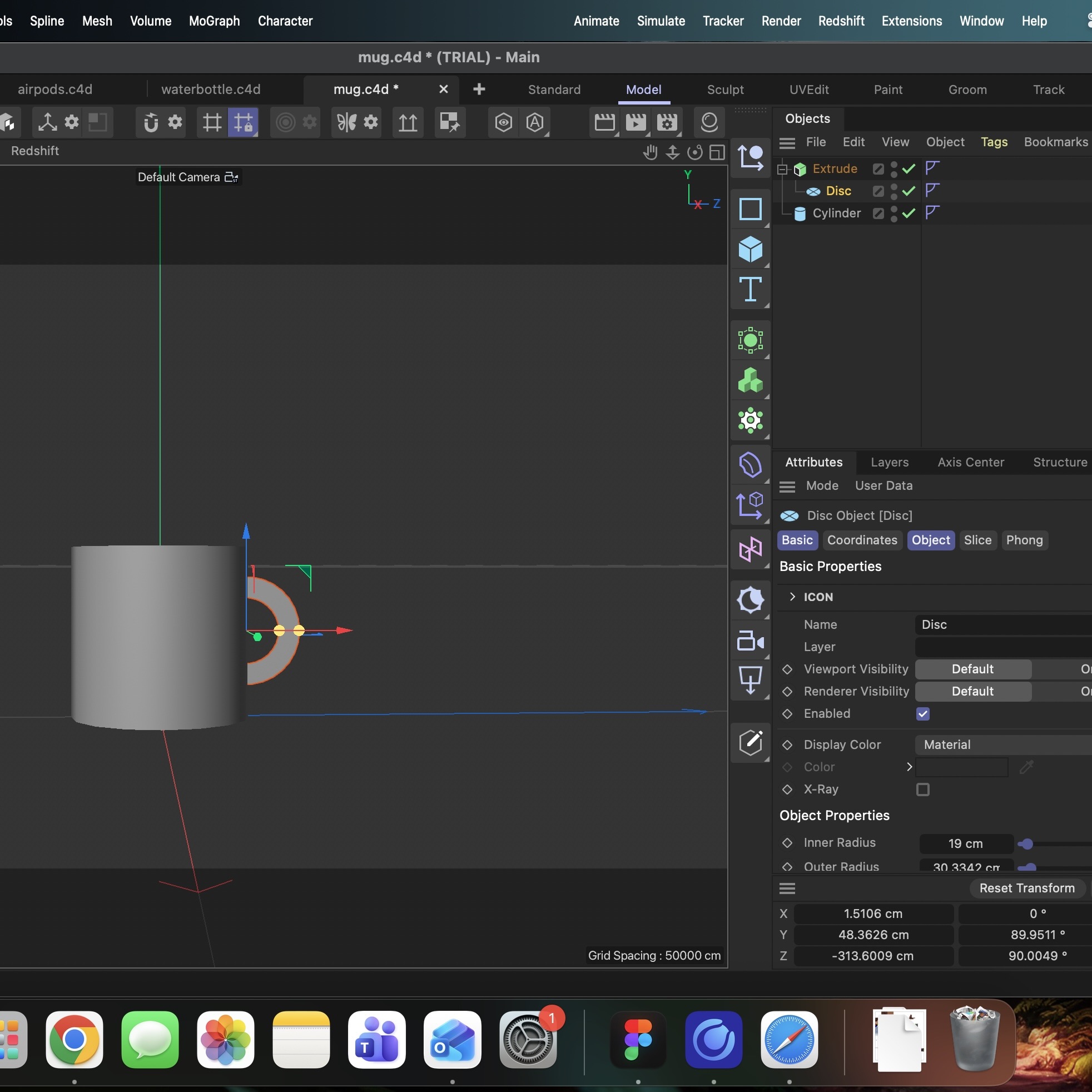
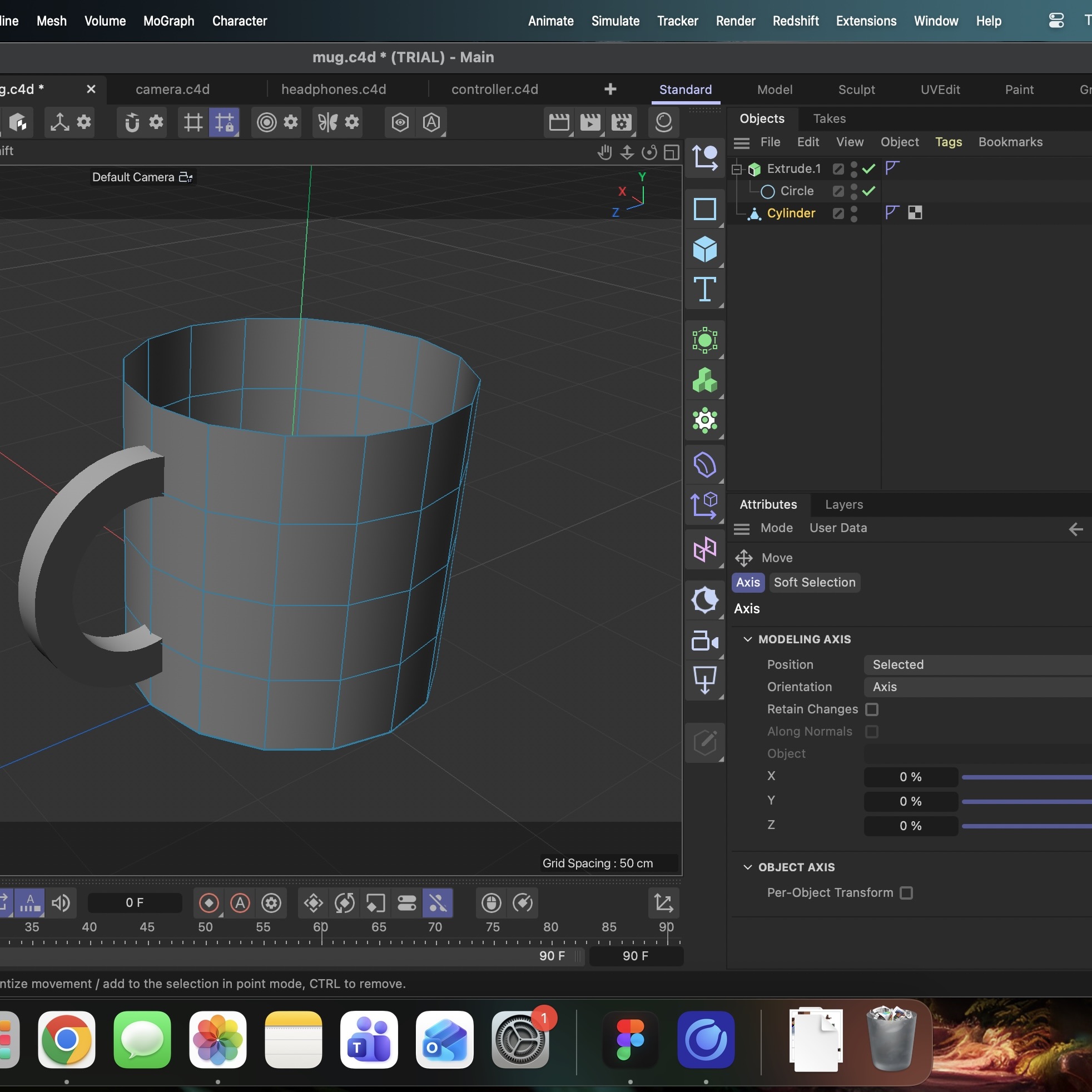
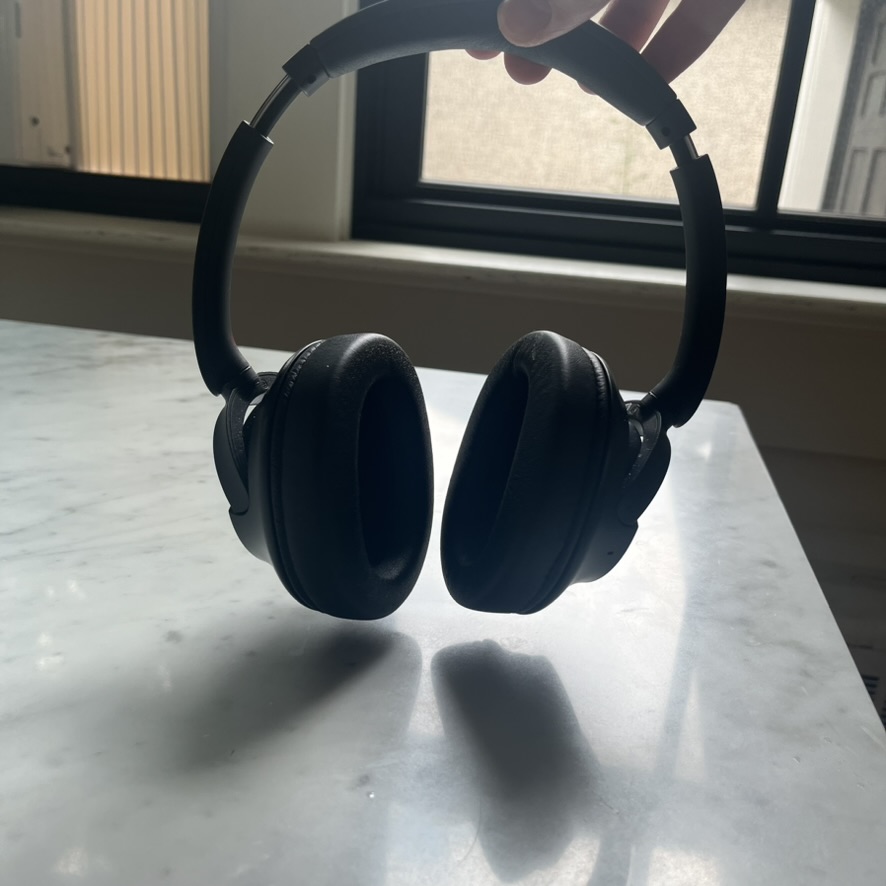
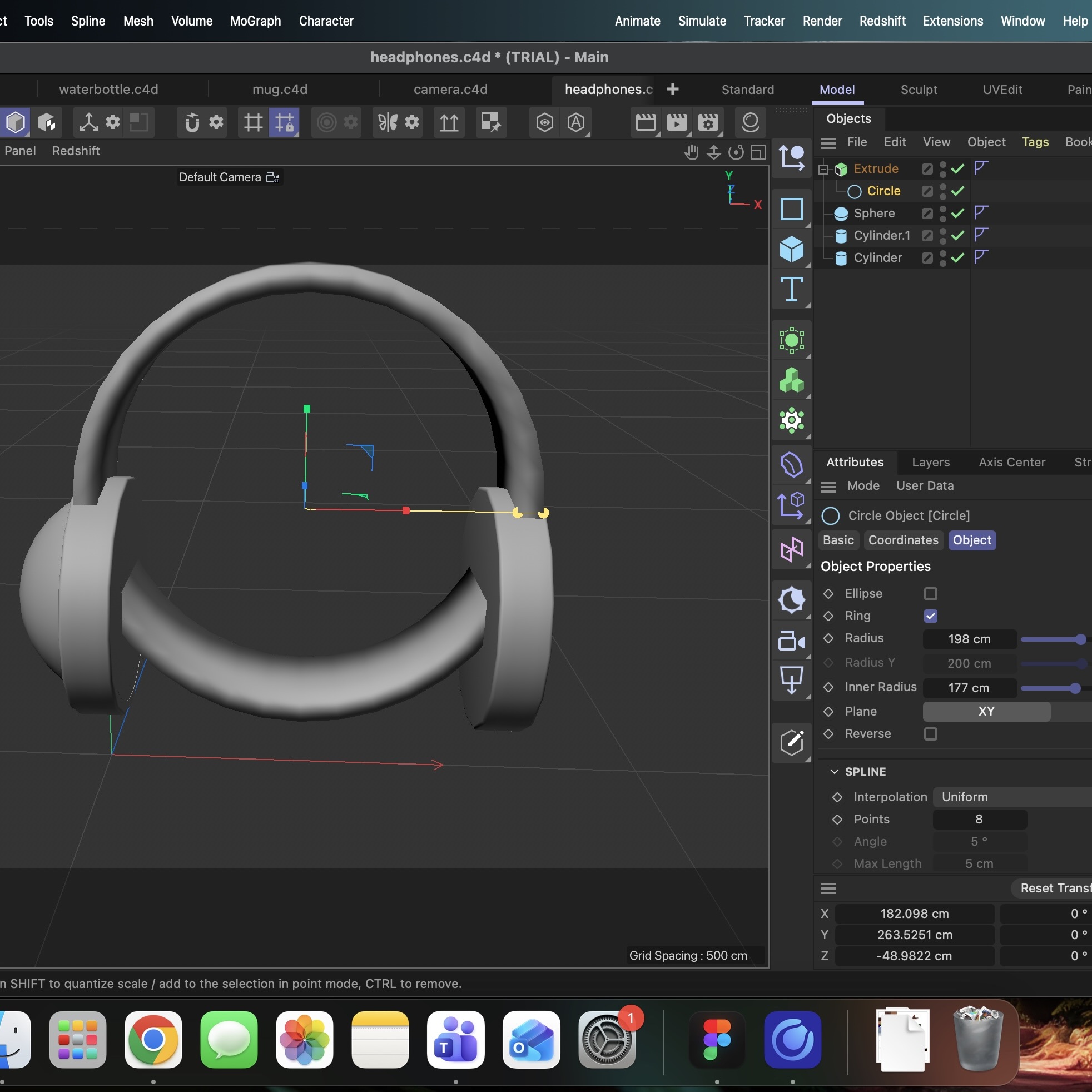
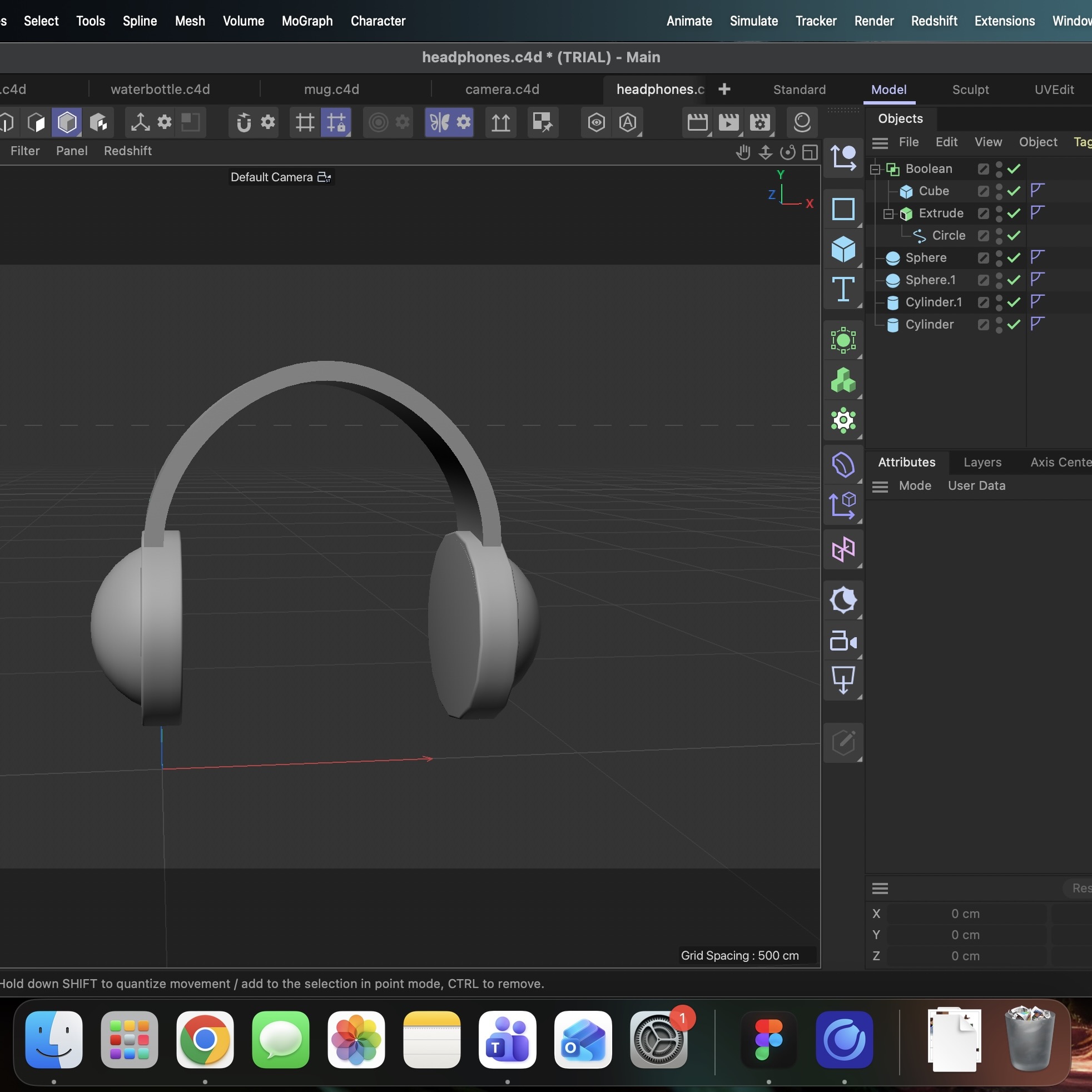
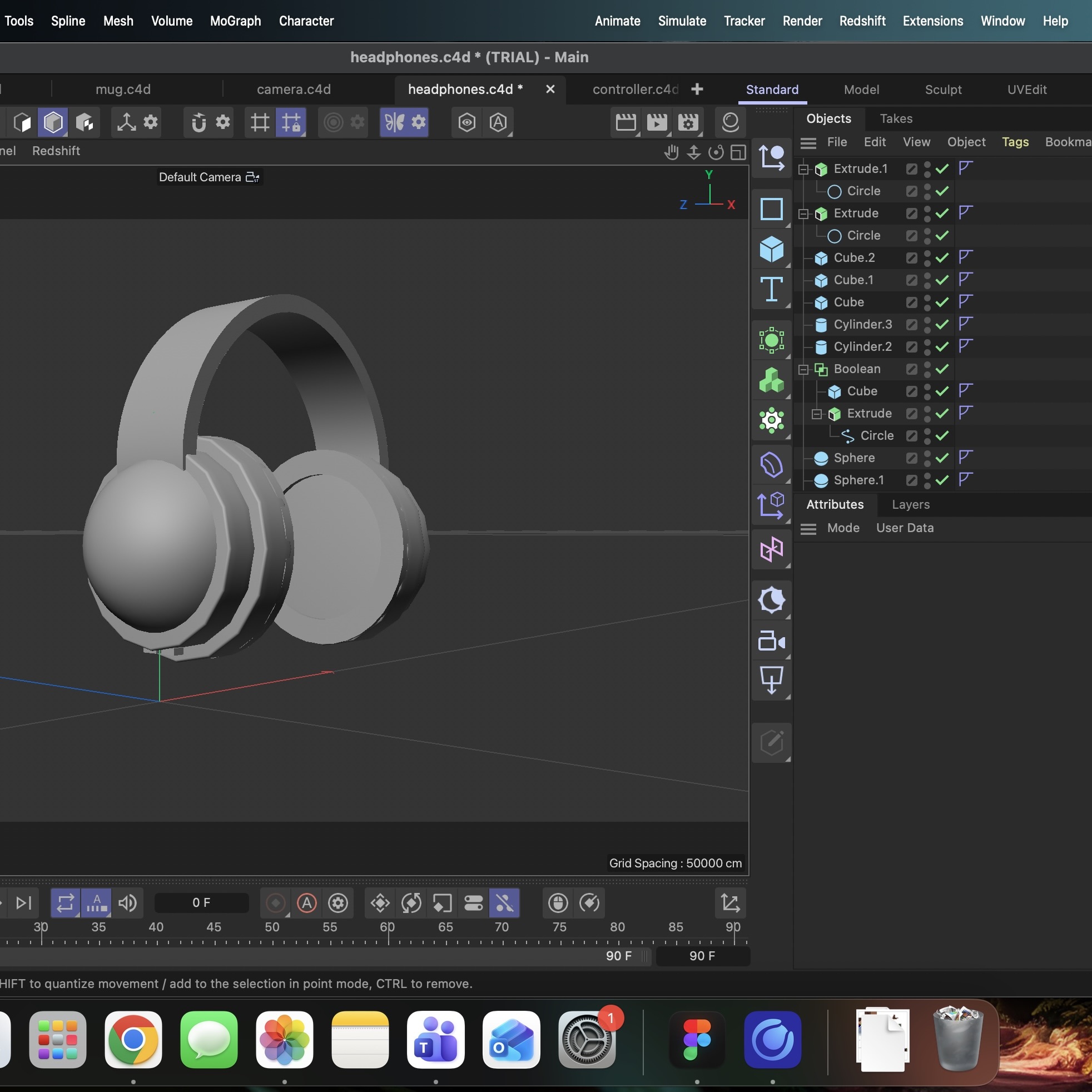
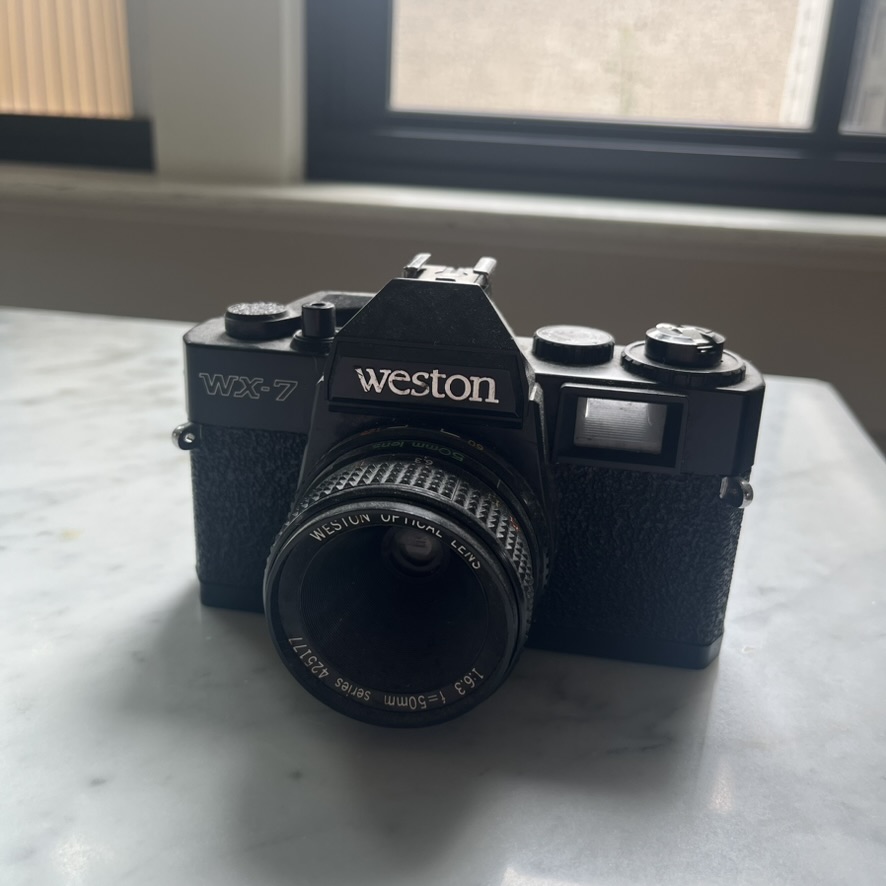
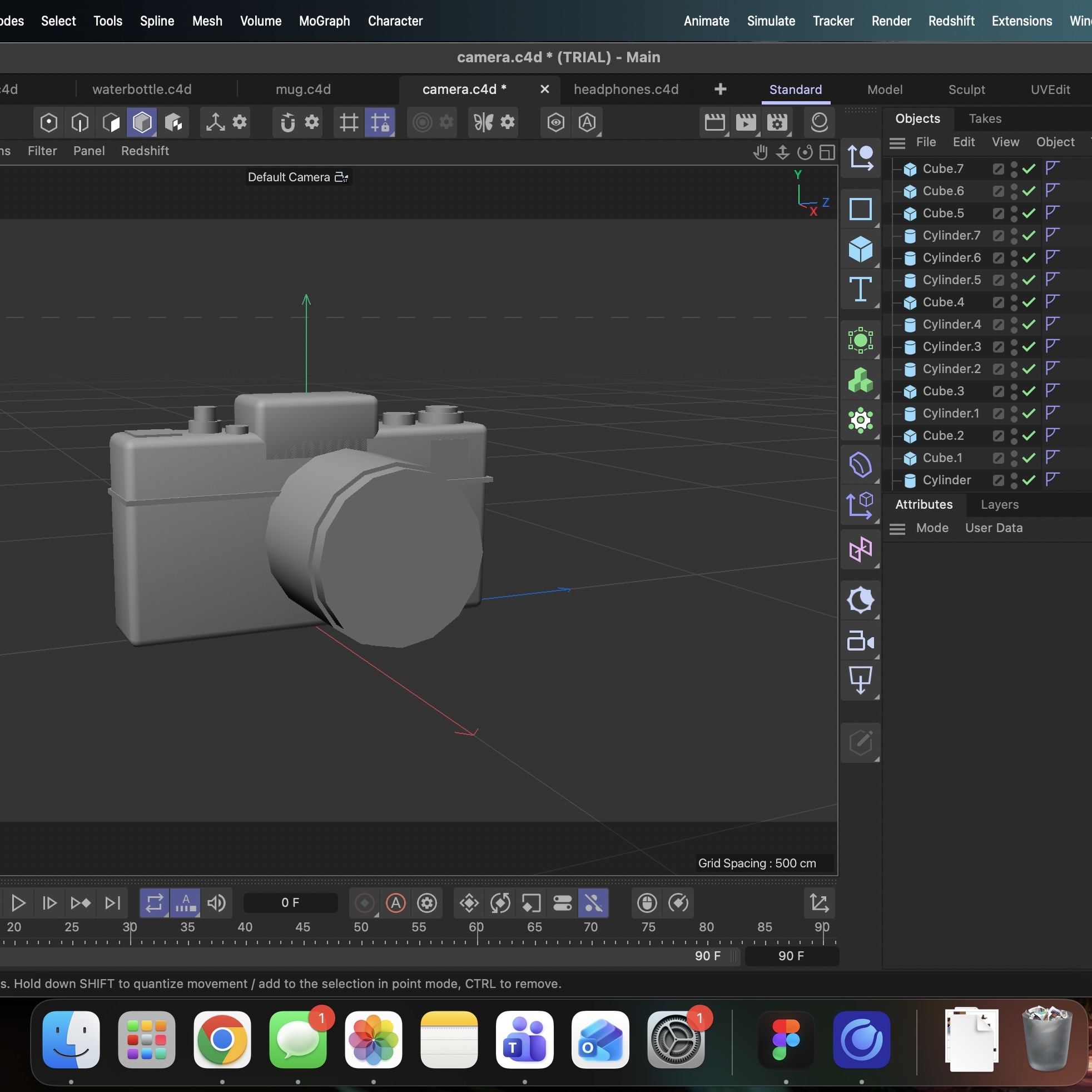
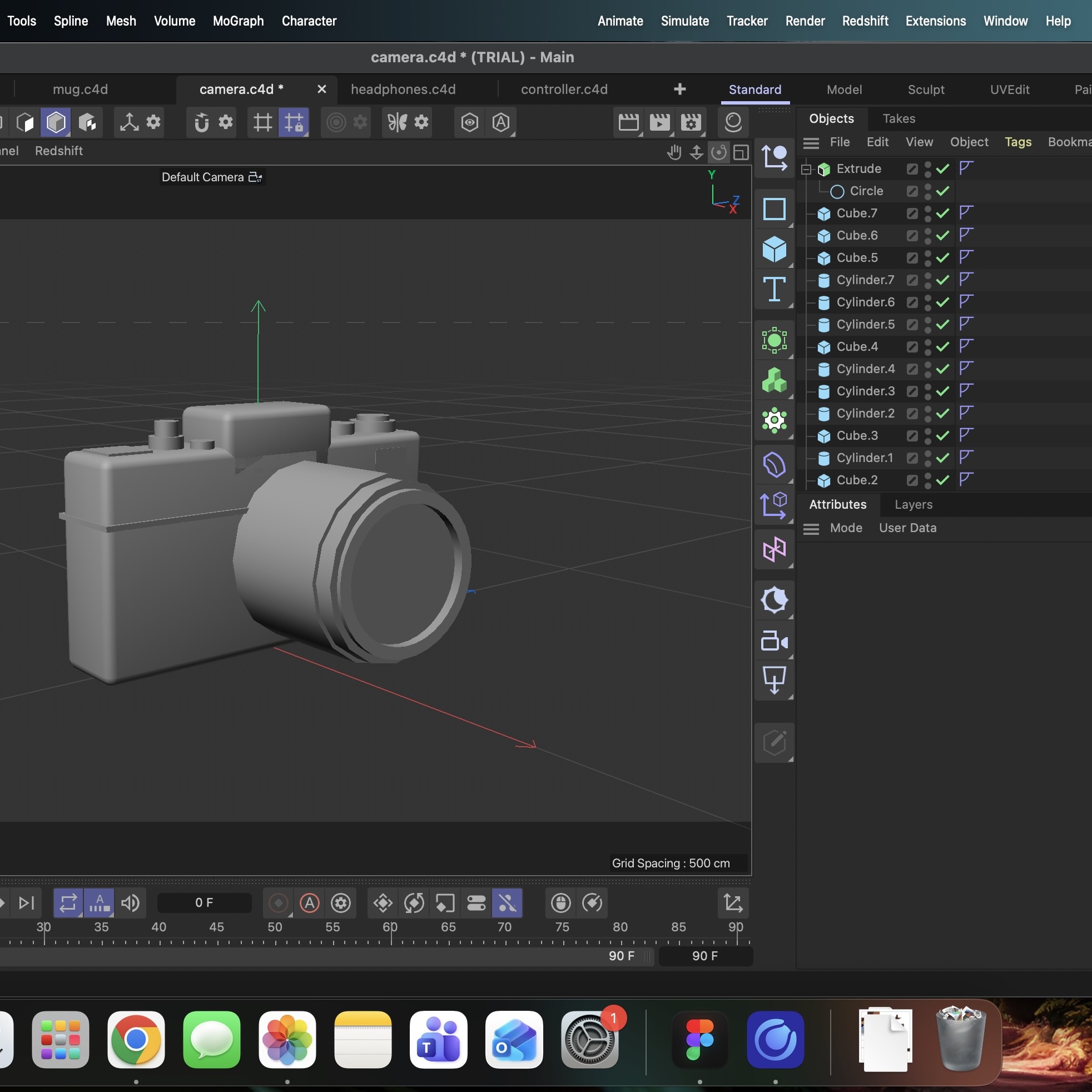
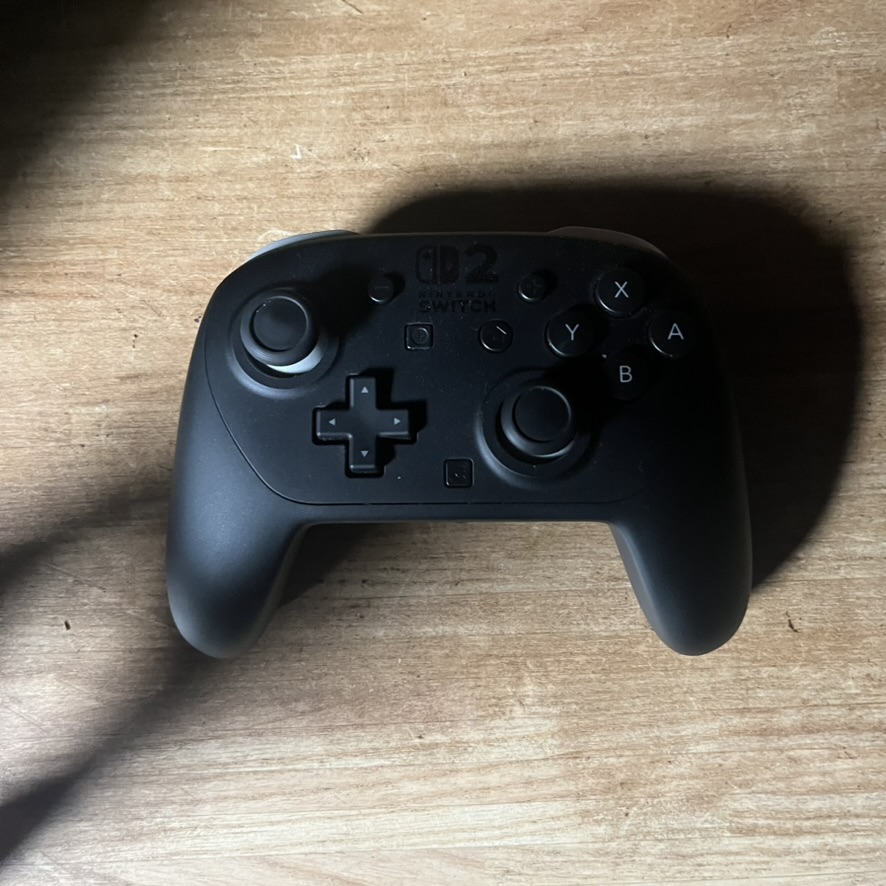
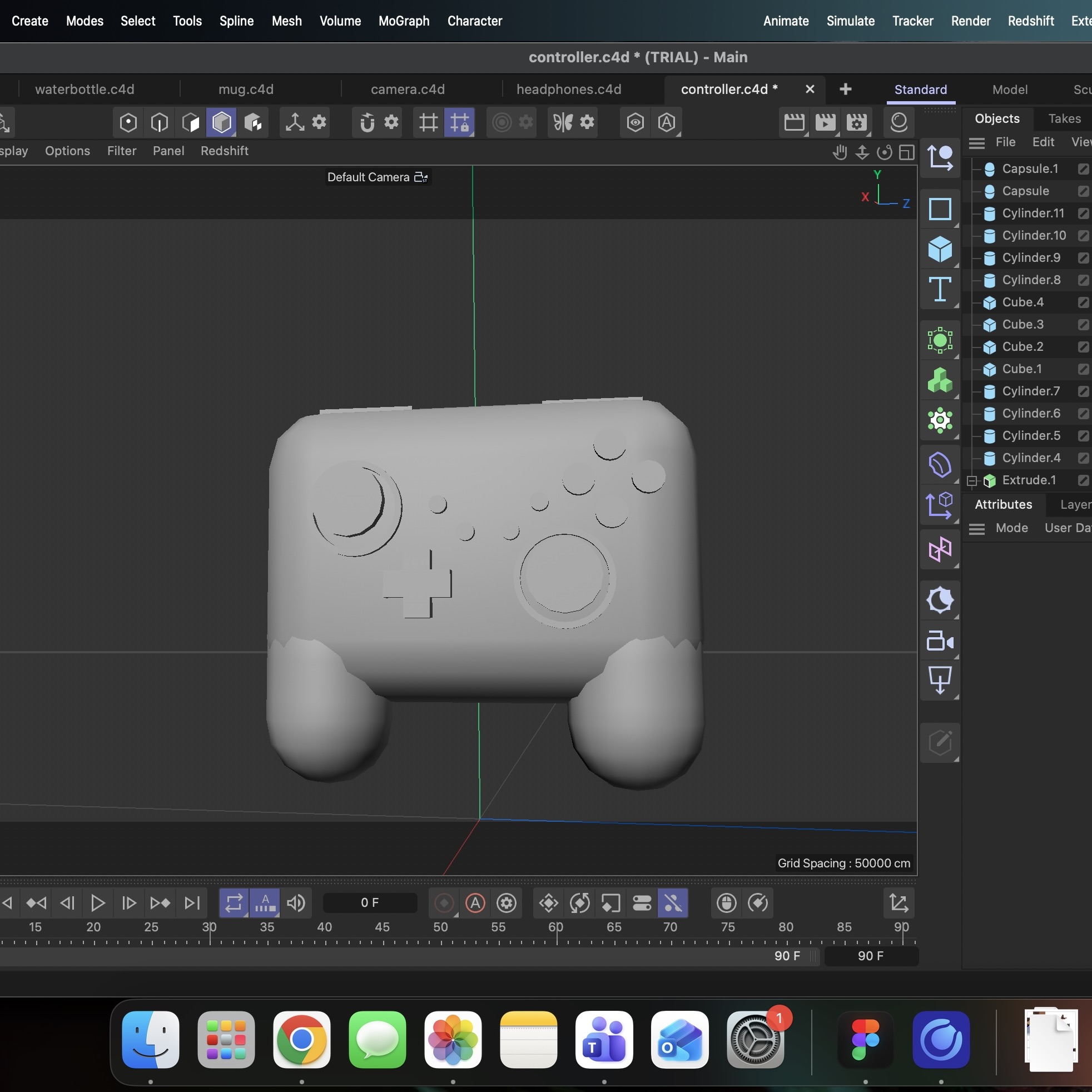
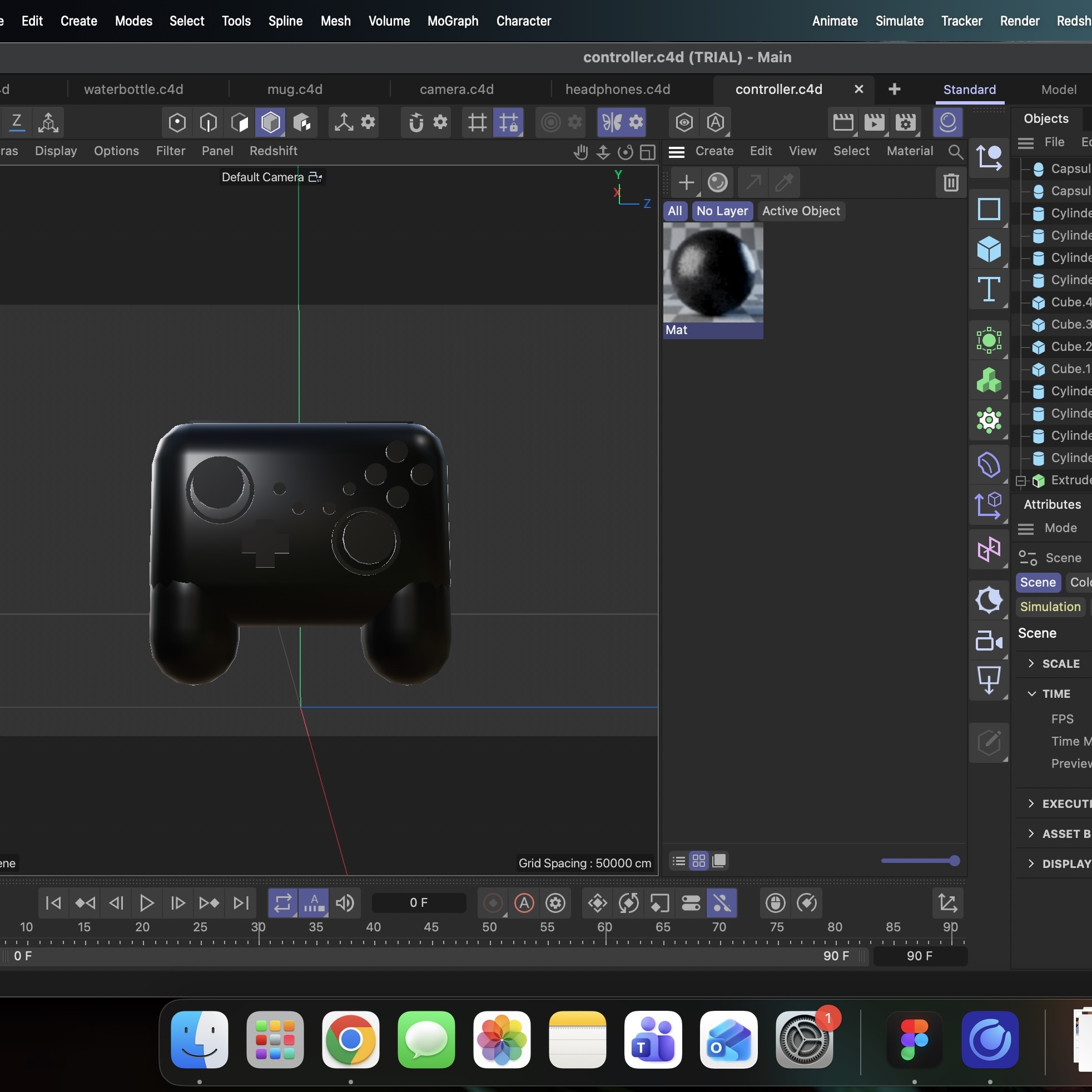
This is an image of my first simple object I am going to try and recreate: Airpods Here I created a primitive cube shape to start modelling the airpod I then added some more cubes and played with the sizes and height to create the indent in the object, I also learned how to use fillet, which creates the rounded edges of the object Here's the image of a waterbottle I am going to try and model next Here is my completed model that I created using basic shapes, I did learn later that I can use a bevel to make a more smooth transition when discussing with a peer, which I'll use in the future Next I'm going to try and model a pop can, here is the image I will be using as a reference Here is me creating my first basic shape for the model using a cylinder, I then used the scale tool to try and shape the object to match the reference image Again this is one of my early ones, so I just played with shapes, nothing too complicated. Just trying to play around and try to create an illusion of an indent because when I made this I hadn't learned how to do that yet I'm now creating next a tomato, which is a pretty basic object other than the top part Here is just my creation of the basic sphere shape, just used the scale tool and properties panel to try and shape the object I squished the sphere down to create an oval shape more like a tomato and then learned how to use extrude and the rectangle object shapes for the first time using the tutorials on the Maxon site, I then played around with shaping it to make it look the most like leaves of some sort Here is the final result of the tomato, originally it was supposed to be an orange, but we ran out of those before I could photgraph it and the tomato added an extra challenge The next object I modelled was based off of this mug I had in my house, although i did not try the pattern on it All my models I focused more on basic shapes and form, rather than proper advanced modelling just to get a feel for the software. So here I played around more with extrude and the cylinder tool, to create what resembled the shape of the mug Using this tutorial: https://www.youtube.com/watch?v=9-GykynABwg&t=176s. I went a little deeper into the more advanced tools in Cinema4D, so I figured out how to use the polygon tool and create an inner extrude to create the hollowed out part of the mug Here is the headphones I chose to model next, as more of a challenge for myself, as all I have done are pretty simple objects and shapes Using a mixture of fillet, extrude, scale, and the ring tool, I was able to get this shape that resembled a pair of headphones, but for some reason I couldn't figure out how to cut the ring in half creating a problem I had to fix It took me a while to figure a solution out, but I ended up using the boolean tool set on 'intersection' mixed with an extruded cube, to try and cut out the bottom half of the ring, which ended up working really well Here's a look at the final outcome of the headphone model after I added some more shapes and fixed some of the errors in my earlier model, like for example the headband coming out of the padded part instead of the actual plastic part like my object had My next more complicated object I chose to model was an old vintage camera I had I then started getting the basic shapes in using the extrude tool and a variety of shapes to create a rough model of the camera, with the different nobs and stuff I then went over and fixed some inconsistencies, including making the lens actually look like a lens with more layers, more detail to the buttons, filleting the edges to make it more smooth, I was trying to put as much detail as I could in this one to see the limits I could go and ended up with something that looked pretty decent My final object I tackled in my exploration of Cinema4D was a video game controller Again there was a lot of details and small buttons, which I spent a lot of time trying to model correctly on my object. Exeperimented with different shapes like the capsule shape and tried to get sizing of the buttons matching the reference image Finally I just experimented with the different materials I could add to an object, so I tested out a variety to see which one worked, ended up going with this black plastic one, which looked the most like the object I was trying to replicate, for this one I kinda just messed around and explored, since I hadn't done any thing with colour yet

Design Challenge 2

put a description here or you will lose grades put a description here or you will lose grades put a description here or you will lose grades put a description here or you will lose grades put a description here or you will lose grades put a description here or you will lose grades put a description here or you will lose grades put a description here or you will lose grades put a description here or you will lose grades put a description here or you will lose grades put a description here or you will lose grades put a description here or you will lose grades put a description here or you will lose grades put a description here or you will lose grades put a description here or you will lose grades put a description here or you will lose grades put a description here or you will lose grades put a description here or you will lose grades put a description here or you will lose grades put a description here or you will lose grades put a description here or you will lose grades put a description here or you will lose grades put a description here or you will lose grades put a description here or you will lose grades put a description here or you will lose grades

Material Workshop 1

put a description here or you will lose grades<a href='https://www.youtube.com/embed/tgbNymZ7vqY' target='_blank'><p>Project Video Link</p></a> put a description here or you will lose grades <div class='container'><iframe class='responsive-iframe' src='https://www.youtube.com/embed/tgbNymZ7vqY'></iframe></div> put a description here or you will lose grades

Material Workshop 2

put a description here or you will lose grades <a href='https://www.youtube.com/embed/tgbNymZ7vqY' target='_blank'><p>Project Video Link</p></a> put a description here or you will lose grades <div class='container'><iframe class='responsive-iframe' src='https://www.youtube.com/embed/tgbNymZ7vqY'></iframe></div> put a description here or you will lose grades

Project 1


Project 1 Models

Published 3D Model 1

PLACEHOLDER TEXT, put a description here or you will lose grades

put a description here or you will lose grades <div class='container'><iframe class='responsive-iframe' src='https://hudak.phoenix.sheridanc.on.ca/P1Stuff/Index.html'></iframe></div>

Published 3D Model 2

PLACEHOLDER TEXT, put a description here or you will lose grades

put a description here or you will lose grades <div class='container'><iframe class='responsive-iframe' src='https://hudak.phoenix.sheridanc.on.ca/P1Stuff/Index.html'></iframe></div>

Published 3D Model 3

PLACEHOLDER TEXT, put a description here or you will lose grades

put a description here or you will lose grades <div class='container'><iframe class='responsive-iframe' src='https://hudak.phoenix.sheridanc.on.ca/P1Stuff/Index.html'></iframe></div>
×

Powered by w3.css